Turn any script into a finished video

Paste your script and Tekno Motion adds the scenes, voice, captions and music. Export for YouTube, Instagram or TikTok, right from your PC.

Make videos for YouTube YouTube Shorts Instagram Reels TikTok Facebook

One video, every platform

Wide for YouTube. Vertical for Shorts, Reels and TikTok. Square and portrait for your feed. The layout is rebuilt for each shape, so nothing gets cropped.

16:9YouTube
9:16Shorts, Reels, TikTok
1:1Square feed
4:5Instagram post
No limit on video length

A 30-second Short or a 20-minute YouTube video. It all renders on your PC.

Export up to 4K

Your AMD, NVIDIA or Intel graphics card does the work, so exports stay fast.

Real videos, made by the app

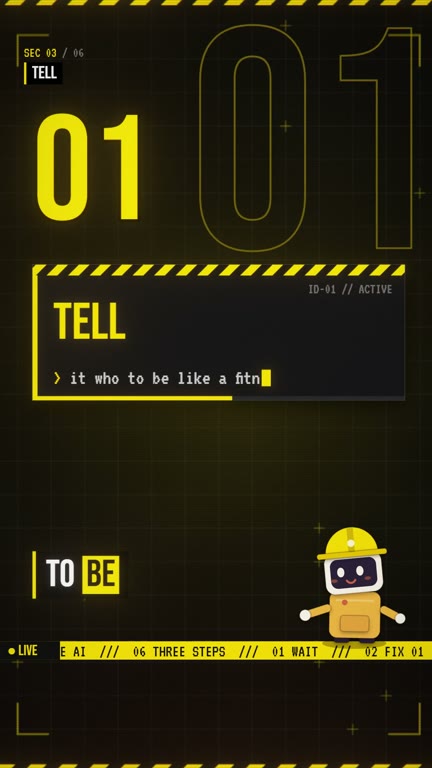
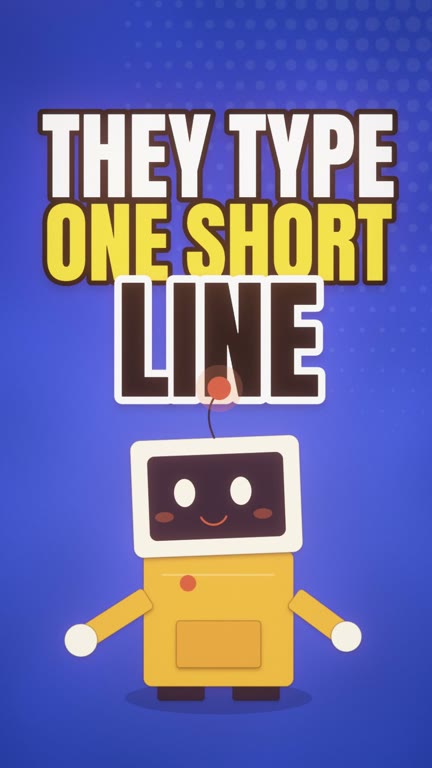
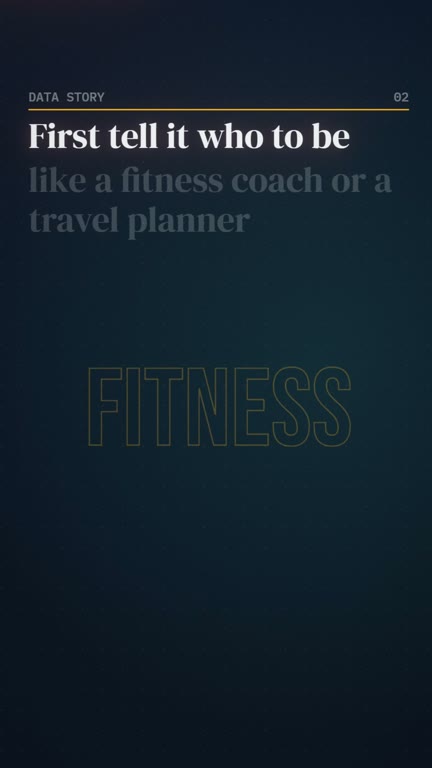
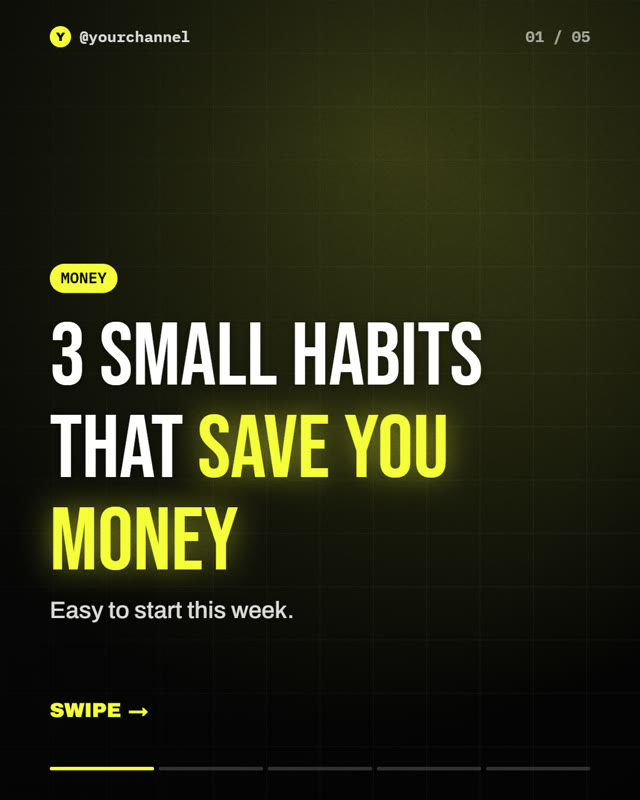
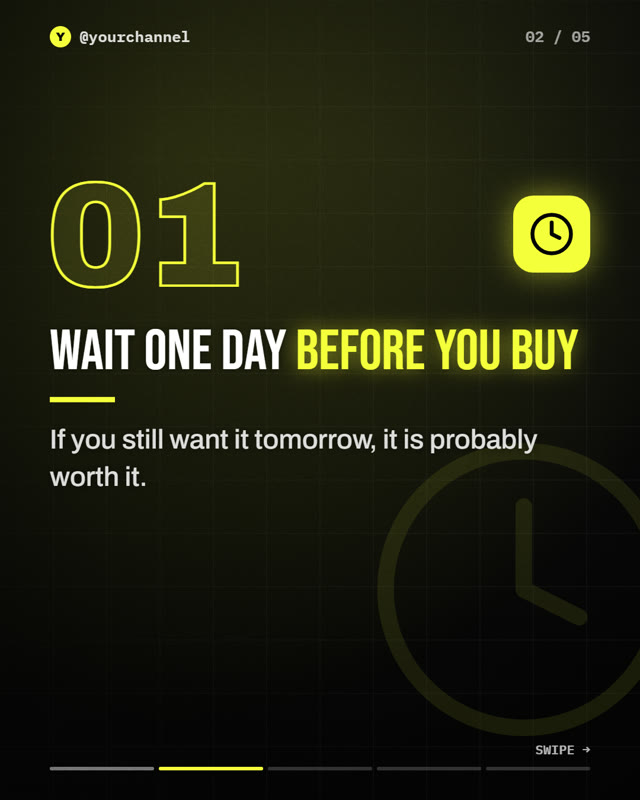
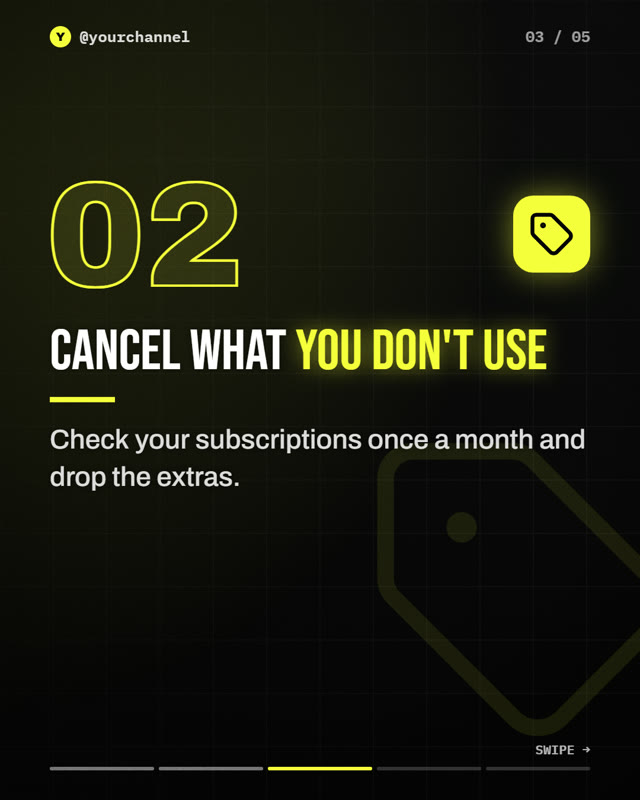
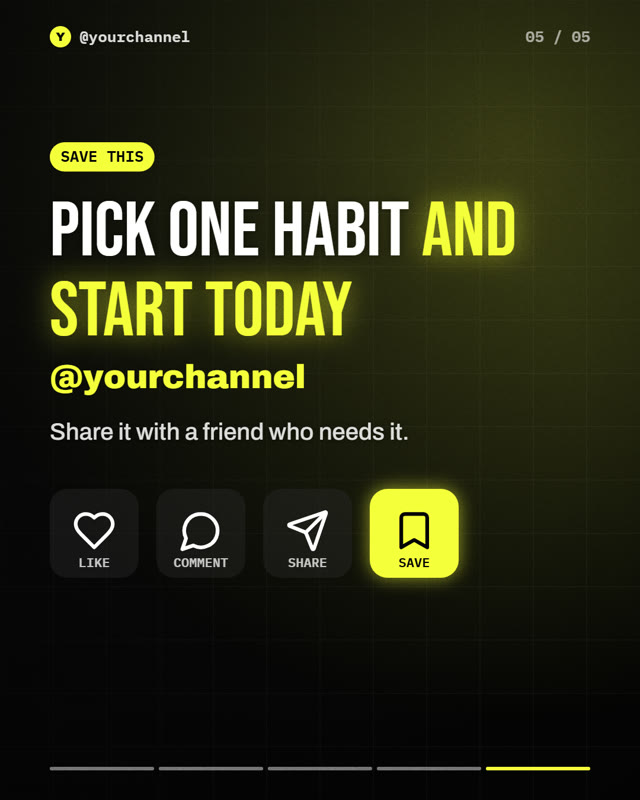
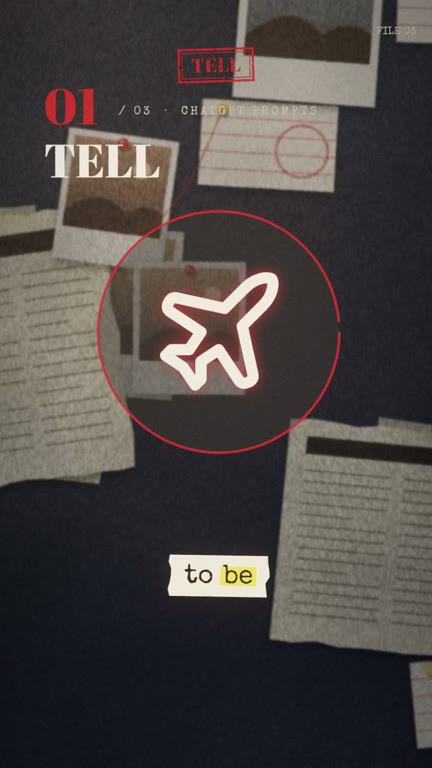
All of these came from the same 22-second script. Same words, a different style each time. There are 18 styles to choose from.

Hazard Studio
Clay Toy 3D
Money Hook
Arcade Neon
Cinematic Mood
Data Story
Story Collage
Kinetic Pop Captions
Product Film
Studio One-Take

Everything you need to make and post videos

Make a video from your script

Paste a script, or let the app write one. It builds every scene and times each caption to the word.

  • Use a built-in voice, your own, or upload one
  • Voiceovers in 23 languages with a free download
  • Sound effects and music added for you
  • Change any scene before you export

Turn it into an Instagram carousel

The same script becomes swipeable slides: a hook on the cover, one point per slide, a follow slide at the end.

  • Edit any slide
  • PNGs for Instagram, PDF for LinkedIn
  • Post, square and story sizes

Edit the footage you filmed

Drop in a raw clip. Auto Edit cuts the pauses and adds B-roll, sound effects, music and captions, in English or Hinglish.

  • Get a finished MP4 and captions
  • Or keep editing in your own software

Get titles and hashtags written for you

For each platform you get fresh titles, a description written for search, hashtags and a pinned comment.

  • YouTube, Instagram and TikTok
  • English or Hinglish
  • Past titles are never repeated

Already use editing software?

Auto Edit can open in the editor you know. Pick yours to see what you get.

Can your PC run it?

Check before you sign up. It only takes a few seconds, and nothing leaves your browser.

MinimumRecommended
SystemWindows 10Windows 11
Processor4 threads8 threads or more
Memory8 GB16 GB or more
GraphicsBuilt-inAMD, NVIDIA or Intel Arc card
Free space20 GB50 GB or more

Threads are shown as "Logical processors" in Task Manager.

Check this PC

We'll compare it with what Tekno Motion needs.

System
Processor
Graphics

This is a guide. Your browser can't see every detail of your PC.

Simple plans. Start for free.

You never need a separate AI subscription or API key.

Free

Try it out

$0

Free forever

Join the waitlist

Includes:

  • 3 videos and 3 carousels a week
  • 1 Auto Edit a week
  • AI writing on those videos
  • Export up to 1080p, with a small watermark

Pro

For regular creators

$9/ month

$108 billed once a year. $12 if billed monthly.

Join the waitlist

Everything in Free, plus:

  • Unlimited videos, carousels and Auto EditsMake as many as you like. They're created on your own computer, so nothing is counted.
  • No watermark, export up to 4KYour videos carry no Tekno Motion mark. 4K is the sharpest common video quality, great for YouTube.
  • Unlimited standard AI writingAI helps write your script, plan your scenes and write your titles. A fair-use limit applies to very heavy use, such as writing full-length AI films.
  • Connect your own asset libraryUse your own folders of music, sound effects and video clips inside the app.
  • Our best AI on 10 videos a weekOur strongest AI plans your video and designs its biggest scenes. Long videos count as more than one: a 10-minute video counts as 4. After that, videos carry on with standard AI at no extra cost.
  • 3 AI video clips a monthShort, realistic shots that AI creates from your description, like a city at night. Handy when you have no footage. You can buy more if you need them.

Creator

For daily channels and client work

$29/ month

$348 billed once a year. $39 if billed monthly.

Join the waitlist

Everything in Pro, plus:

  • Our best AI on 40 videos a weekOur strongest AI plans your video and designs its biggest scenes. Long videos count as more than one: a 10-minute video counts as 4. After that, videos carry on with standard AI at no extra cost.
  • 10 AI video clips a monthShort, realistic shots that AI creates from your description, like a city at night. Handy when you have no footage. You can buy more if you need them.

What the plans mean

Unlimited videos

Paid plans have no cap on how many videos you make or how long they are. Standard AI helps with all of them, with a fair-use limit for very heavy use.

Our best AI

A stronger AI that directs your video and designs its biggest scenes. When your weekly amount is used up, videos keep going on standard AI, at no extra cost. A 10-minute video counts as 4.

AI video clips

Short, realistic clips generated in the cloud and added to your video. You get a set number each month, and you can buy more if you ever want them. It's the only possible extra cost.

Launch offer
30% off your first year if you buy in the first 30 days. Not combined with country prices.
Free trial
7 days of Pro. Cancel anytime.
Refunds
Full refund within 14 days of your first purchase.
Prices
In US dollars. Some countries get lower prices and smaller allowances.
Before launch
Plans and limits may change.

Common questions

Can I make long YouTube videos?

Yes. There's no length limit, and you can choose 16:9 for YouTube, 9:16 for Shorts and Reels, 1:1 or 4:5. Longer videos use more of your AI allowance.

What do I need to run it?

A Windows 10 or 11 PC with at least 8 GB of memory and 20 GB of free space. A graphics card from AMD, NVIDIA or Intel makes exports faster. Check your PC.

When does it launch?

There's no date yet. Join the waitlist and you'll be the first to know.

Do I need to know how to edit?

No. It installs like any app and everything happens with buttons.

Do I need my own AI subscription or API key?

No. AI writing is built in. Adding your own keys is an optional advanced setting.

Are my videos uploaded anywhere?

Your video files never leave your PC. Only the text goes to the AI when it writes for you. Feedback is sent only when you press send.

Can I use what I make commercially?

Yes. Everything you make is yours, including for commercial use.

What languages does it support?

Scripts, titles and descriptions can be written in English or Hinglish, and Auto Edit works with both. English voices are built in. A free 1.5 GB voice download adds voiceovers in 23 languages, including Hindi. Hinglish is read in a Hindi voice, and we're still improving how it sounds.

Is there a Mac or phone version?

Windows only for now. A Mac version may come later. There's no phone app planned yet.
Get early access

Join the waitlist and we'll email you when the app is ready. You'll also hear first about the launch offer.

What do you edit in? (optional)

Your email is stored encrypted and used only for Tekno Motion news. Privacy policy